Tips for Securing Limited Drops Before They Sell Out
So you've set your alarms. What else can you do to actually hit that "Buy" button before the stock vanishes?
Create an Account in Advance
Don't waste precious seconds typing your address. Create a customer account on the store now, save your shipping info, and make sure your payment method is saved. Turn off any browser extensions that cause lag - ad blockers sometimes interfere with checkout flows. I recommend using a desktop over mobile; mobile carts have a higher failure rate during high-traffic drops.
Join the Notification Squad
Subscribe to Nathan's newsletter and turn on tweet notifications. Drops are announced 24-48 hours in advance. The newsletter is the primary source - I've seen tweets get buried. Inside scoop: the 2026 "Dad" jacket drop was announced via email at 10 AM EST, and the tweet went out 15 minutes later. Subscribers had a head start. Also join the official Discord server; there's a dedicated #merch-alerts channel where mods post exact times and links.
Know Your Size Instantly
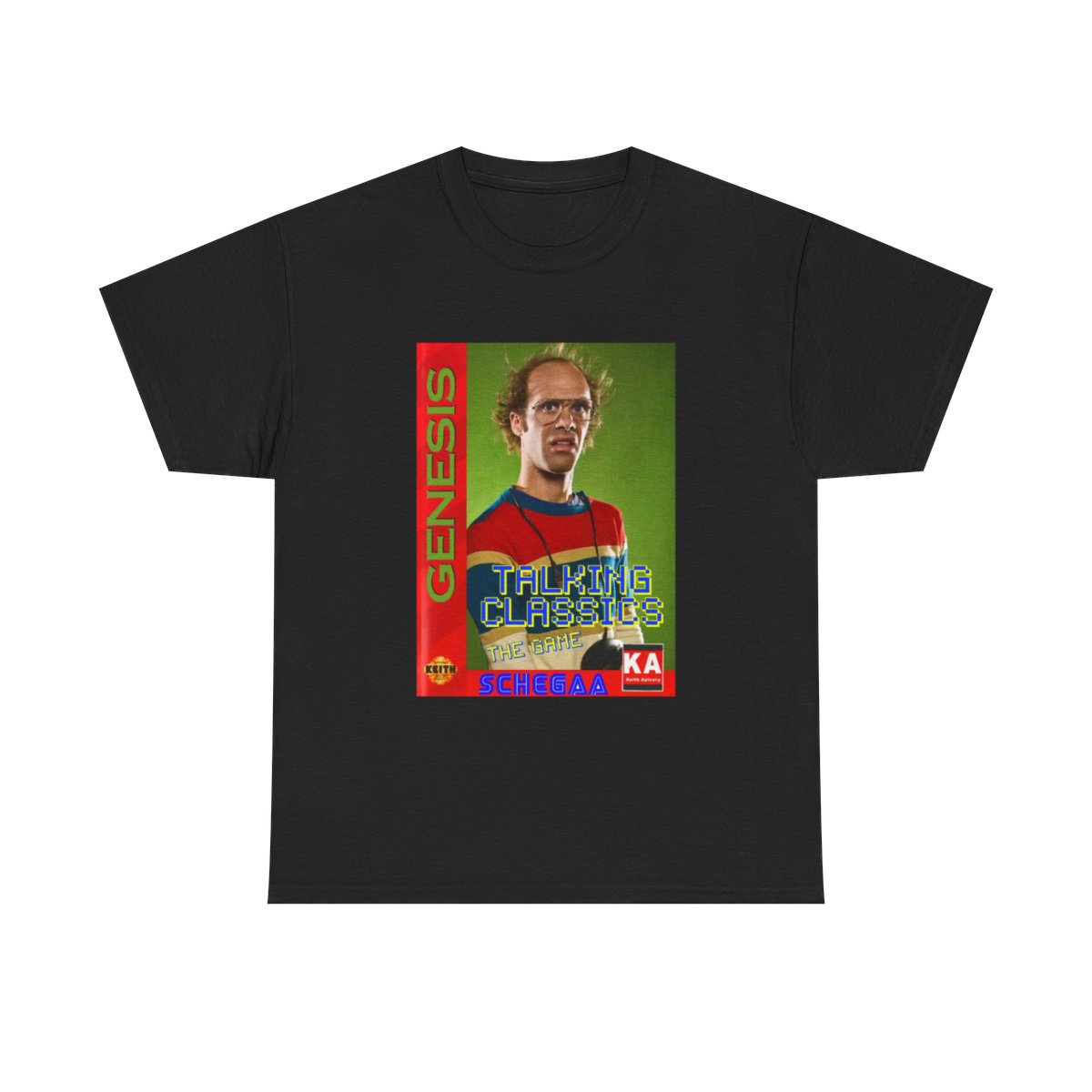
Limited drops rarely have restocks. You don't have time to check sizing charts during checkout. Print the size chart for each product category (tees, hoodies, jackets) and keep it on your desk. For unisex tees, size up if you're between sizes - cotton shrinks slightly after the first wash. The Keith Apicary tee runs true to size, but the Dad jacket fits boxier - size down for a slimmer look.
Have Backup Payment Methods
Sometimes cards get declined under multiple quick attempts. Add two payment options before the drop time: PayPal and a credit card. If one fails, the other is already there. Also, check that your shipping address matches your billing address to avoid verification hiccups.